Zonelyte - Shareable Timezone Overlap Presets for Distributed Teams


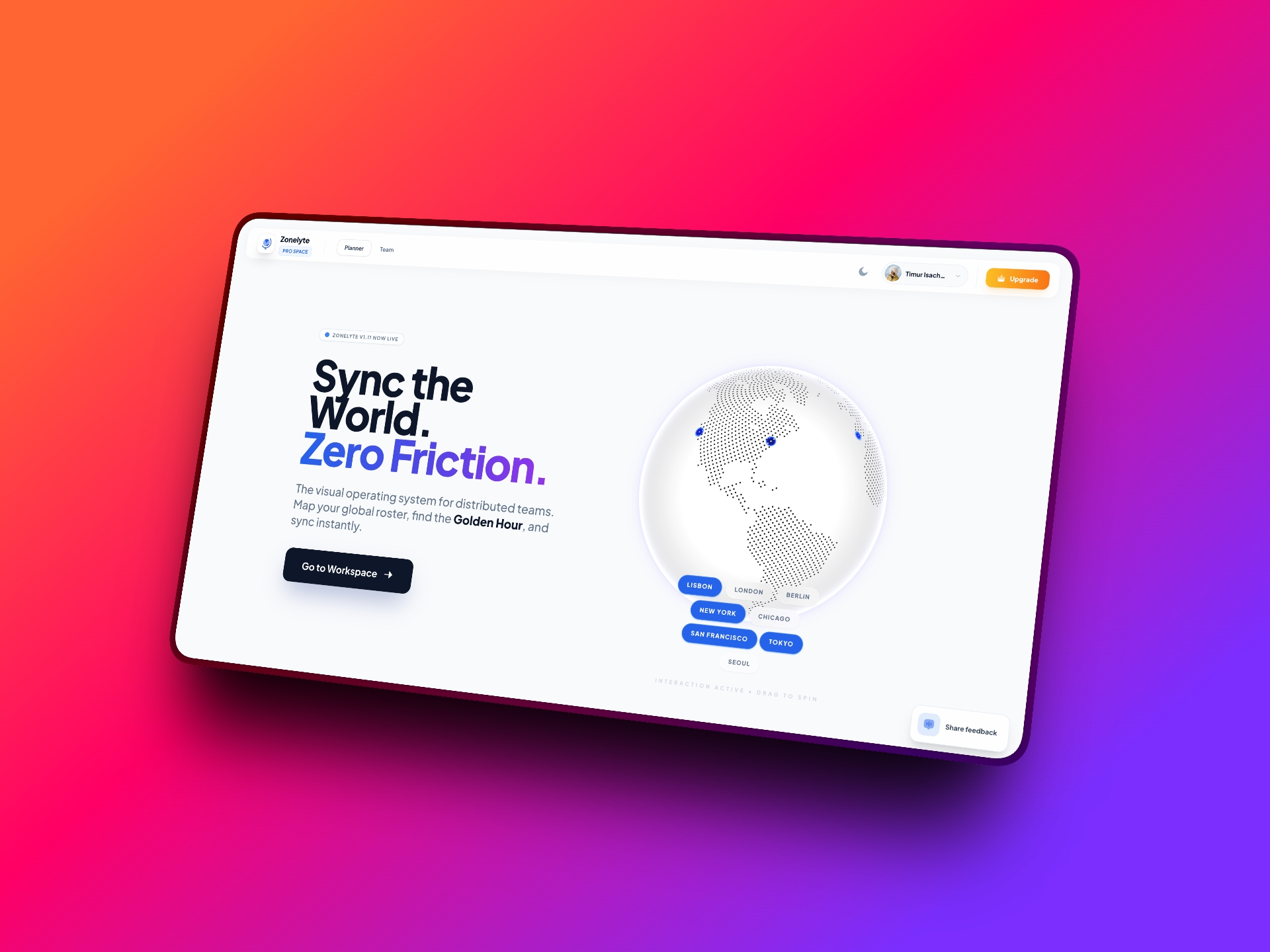
Distributed teams don’t need more meetings — they need less back-and-forth. Zonelyte is a small tool I’m building to make timezone overlap planning visual, fast, and shareable.
The real problem
Scheduling across timezones isn’t “hard” — it’s just constantly annoying.
Every week it’s:
- “What time works for you?”
- “That’s 2am for me.”
- “Can we shift 30 minutes?”
- “Let me check another slot…”
It’s death by a thousand tiny interruptions.
When your product team is in San Francisco, engineering is in Singapore, and you’re somewhere in between — someone always pays the price.
I wanted a faster answer to one simple question:
When can we actually meet — without punishing someone?
What Zonelyte does
Instead of endless back-and-forth, Zonelyte gives you:
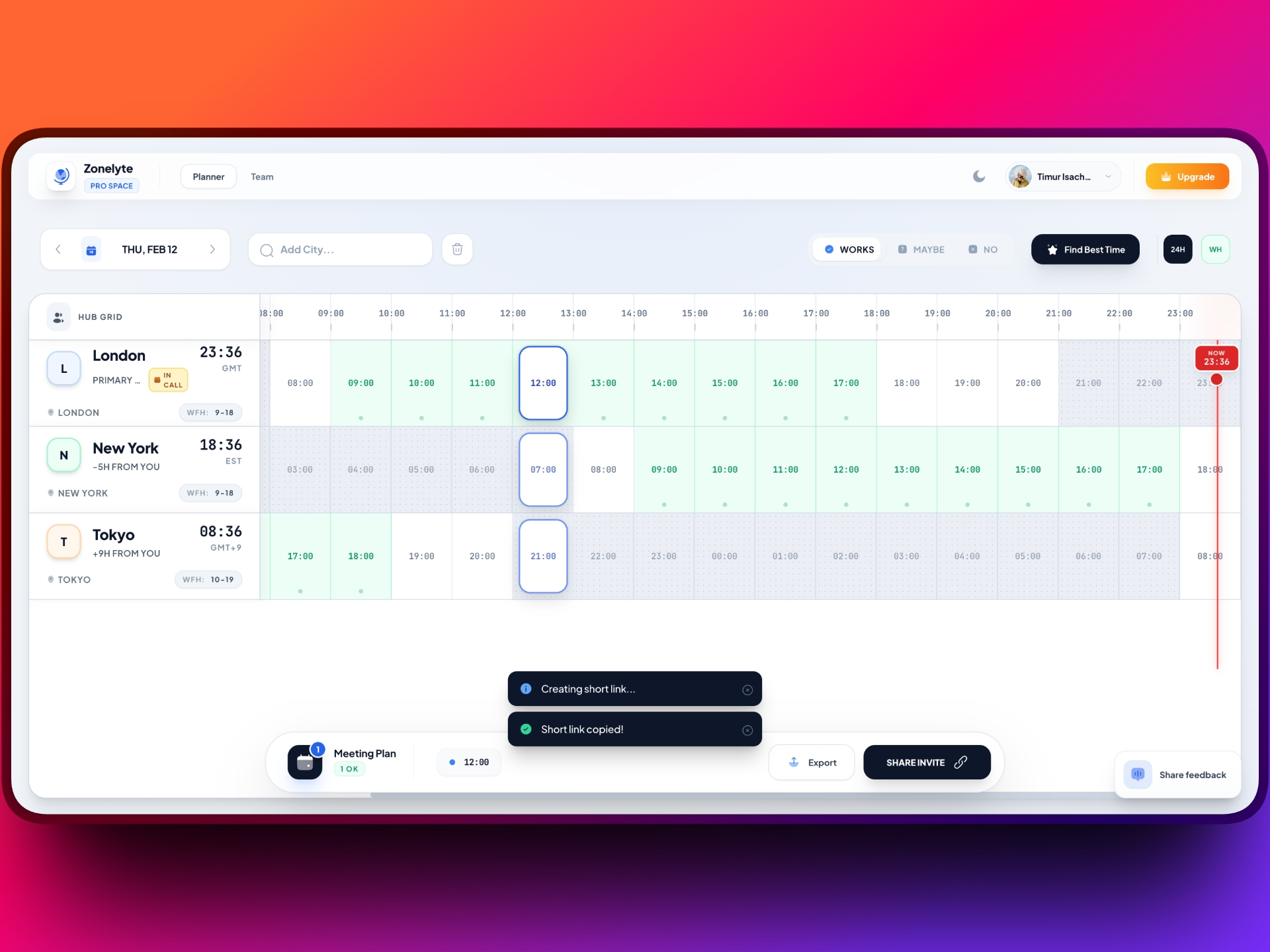
- Clear overlap visualization across multiple cities and timezones
- Suggested meeting windows that don’t destroy someone’s sleep schedule
- Shareable presets you can drop into Slack, Notion, or docs
So instead of debating times every week, your team can just agree:
“We use Preset A for product sync.”
“Preset B for cross-region planning.”
Done.
Why presets matter
Most timezone tools help you calculate overlap.
Zonelyte helps you operationalize it.
Once you define a fair window, you don’t need to rethink it every week. You just share the link. Everyone sees the same visual truth.
It reduces:
- decision fatigue
- fairness debates
- hidden resentment from 2am calls
And it makes async vs sync decisions clearer.
Sometimes the answer isn’t “find a better time”.
Sometimes the answer is “this should be async”.
A real example
This week alone:
- Product in SF
- Engineering in Singapore
- Me bridging both
Having a few predefined, shareable overlap windows immediately shows:
- When a meeting is reasonable
- When it’s unfair
- When async is smarter
That clarity saves more time than any extra meeting ever could.
Inspired by great tools
Shoutout to timezonewizard.com — a great reference.
Zonelyte builds on that idea but leans into:
- presets
- sharing
- repeatability
- team alignment
I’d love your feedback
If you manage a distributed team:
what’s the hardest part for you? 1) finding overlap 2) choosing a fair time 3) avoiding calendar ping-pong Try it:
👉 https://zonelyte.com
If it saves you even one frustrating scheduling thread — it’s already doing its job.